Under the Tools section in your main navigation tab, you will be able to use a feature which allows you to determine client servicing.
Please note that this tool should be used as a guide, bonafide servicing information can be accessed with the chosen lender through the lender portal.
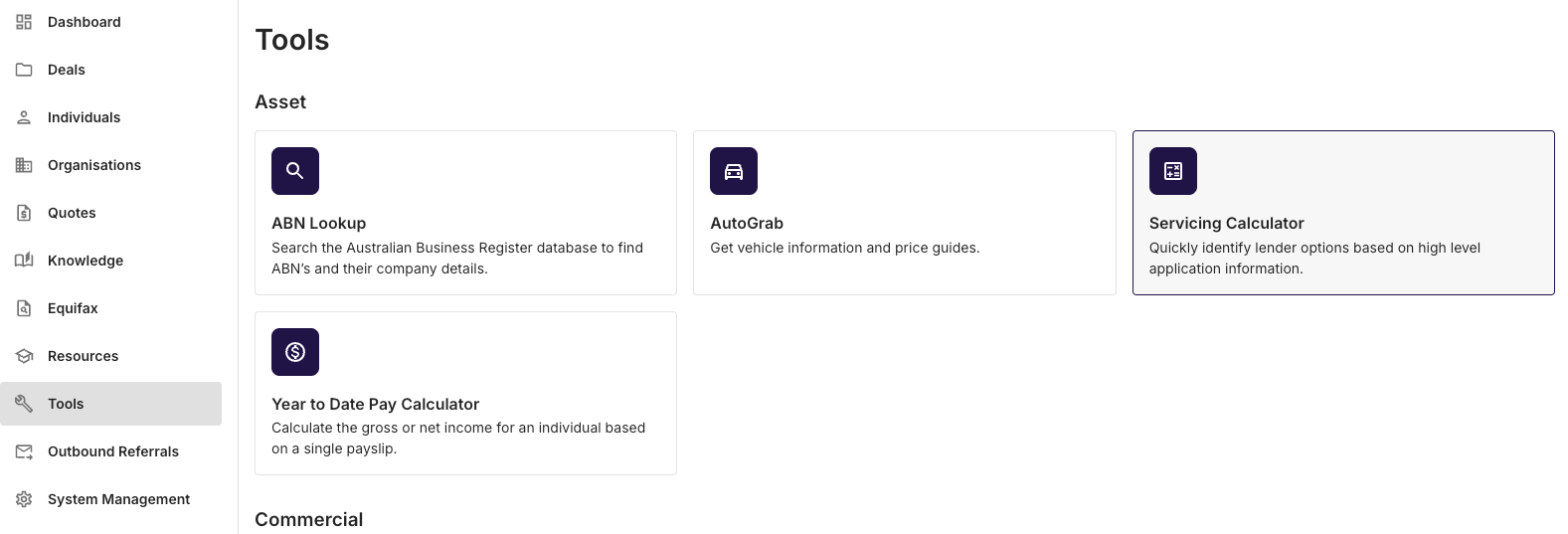
Once you have clicked on the Servicing Calculator, enter the information that is relevant to your client.
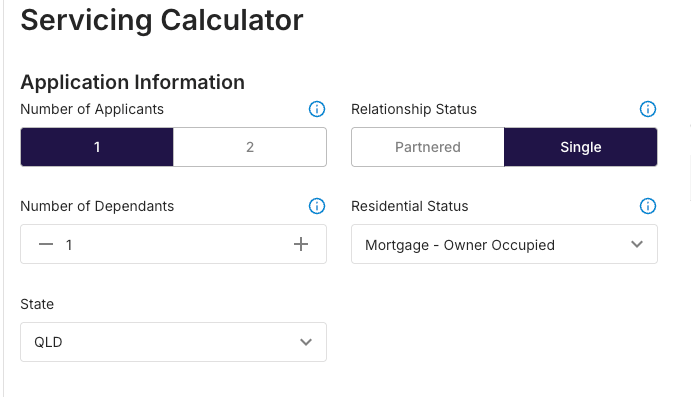
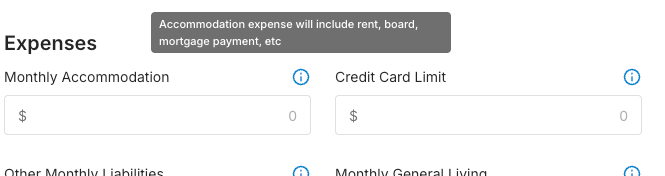
Additional information related to the data that needs to be captured can be viewed by clicking on the information symbols alongside the data entry section.
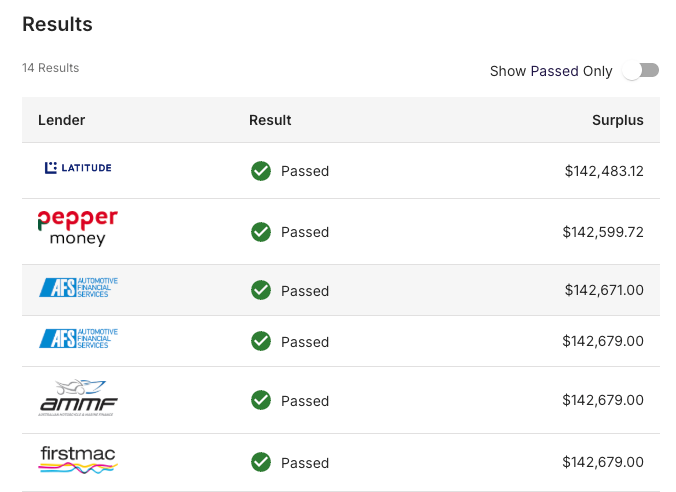
Once you have entered all the relevant information required, you will be presented with a table that allows you to further understand the clients surplus, against lenders where the deals will likely service. From there, it is recommended that you collect all the relevant information to verify the data, then check quoting on lender portals.