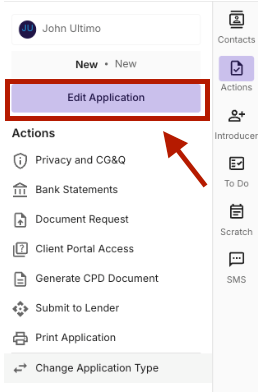
To capture your clients Preferences and Priorities navigate to the “Edit Application” function on the right hand side of the deal.
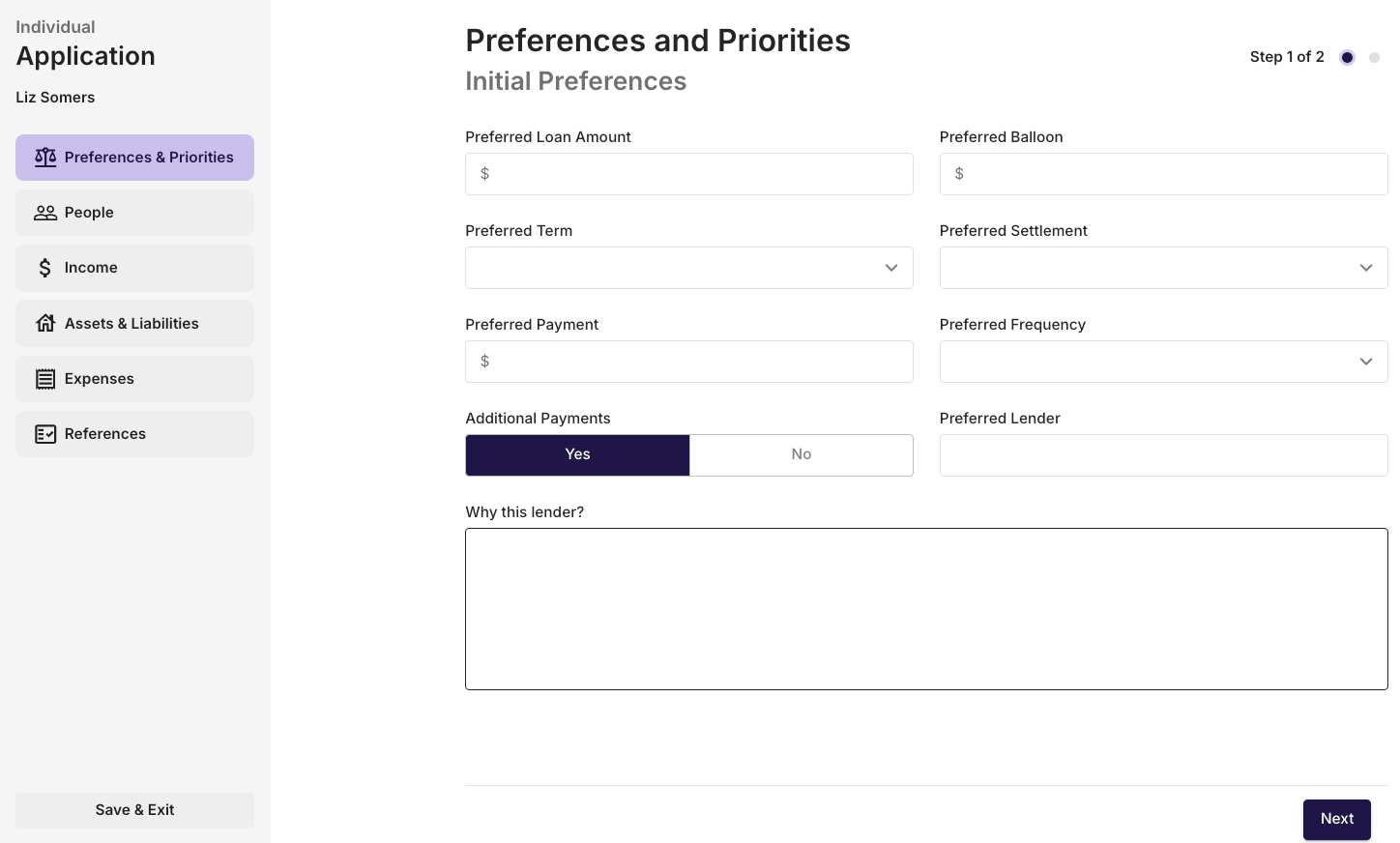
Step 1 - Initial Preferences
Step 1 will give you the ability to capture the Preferred loan amount, Preferred balloon (if asset finance transaction), Preferred Settlement (timeframe), Preferred Repayment amount, Preferred Frequency (payment frequency), Yes/No for Additional Payments, clients Preferred Lender if applicable & Reasoning for the clients Preferred Lender.
Please note that the information on the preference and priorities page will need to be filled out, even if a client does not want a balloon payment applied to the loan, you will need to add $0.
Click Next to get to Step 2
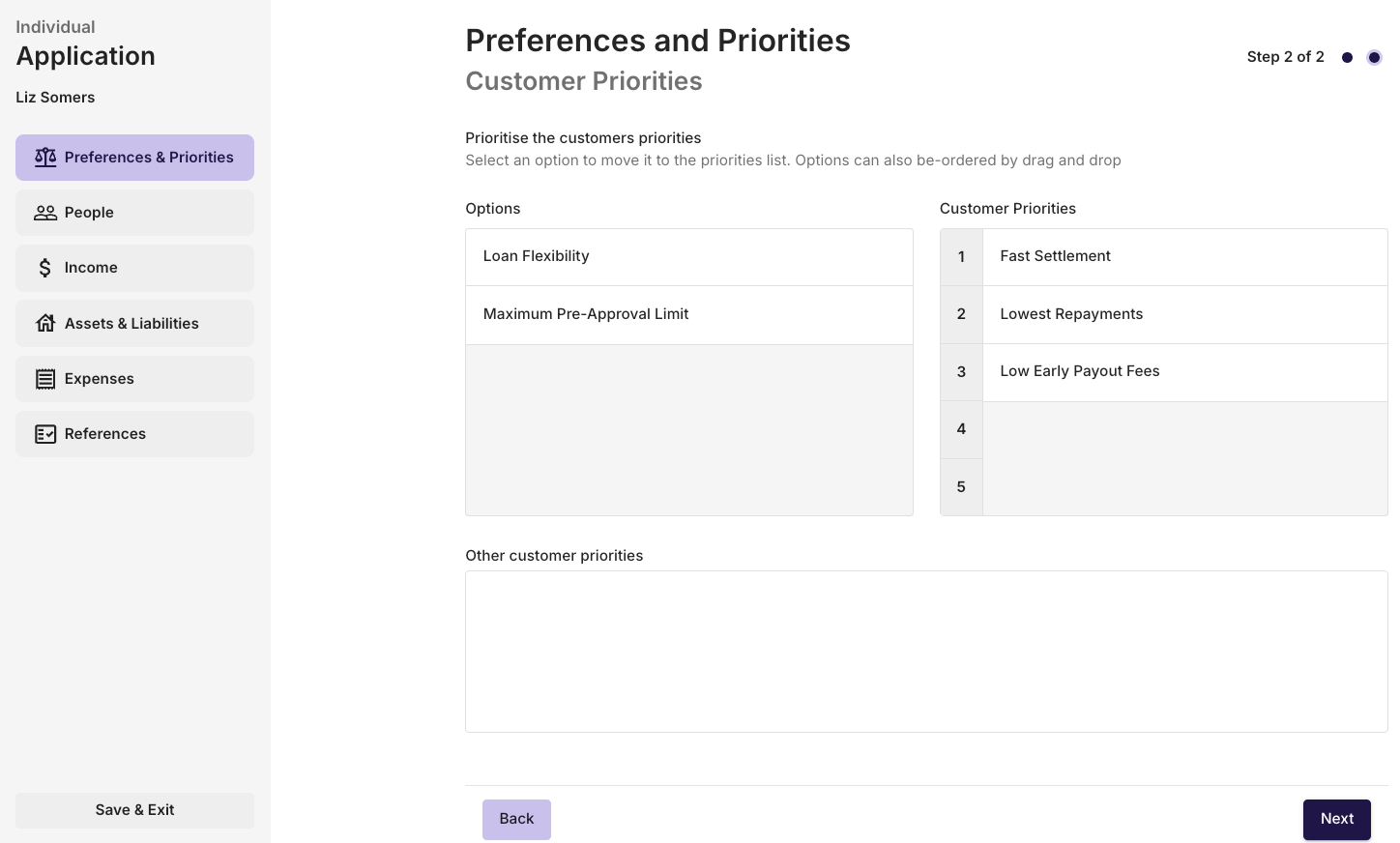
Step 2 - Customer Priorities
To demonstrate that you understand the customer priorities, you will select items from the Options list and drag them into the Customer Priorities list. The priorities will be numbered 1-5 with 1 being most important and 5 being least important.
Other Customer Priorities can be detailed in the text box at the bottom of Step 2.
When Complete, Click Next to get to the People section of the application.