Recording client data
To capture your clients details navigate to the “Edit Application” function on the right hand side of the deal.
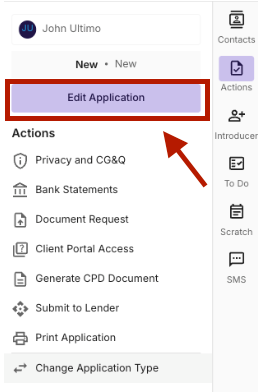
Navigate to the People section
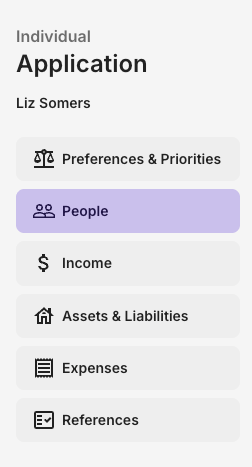
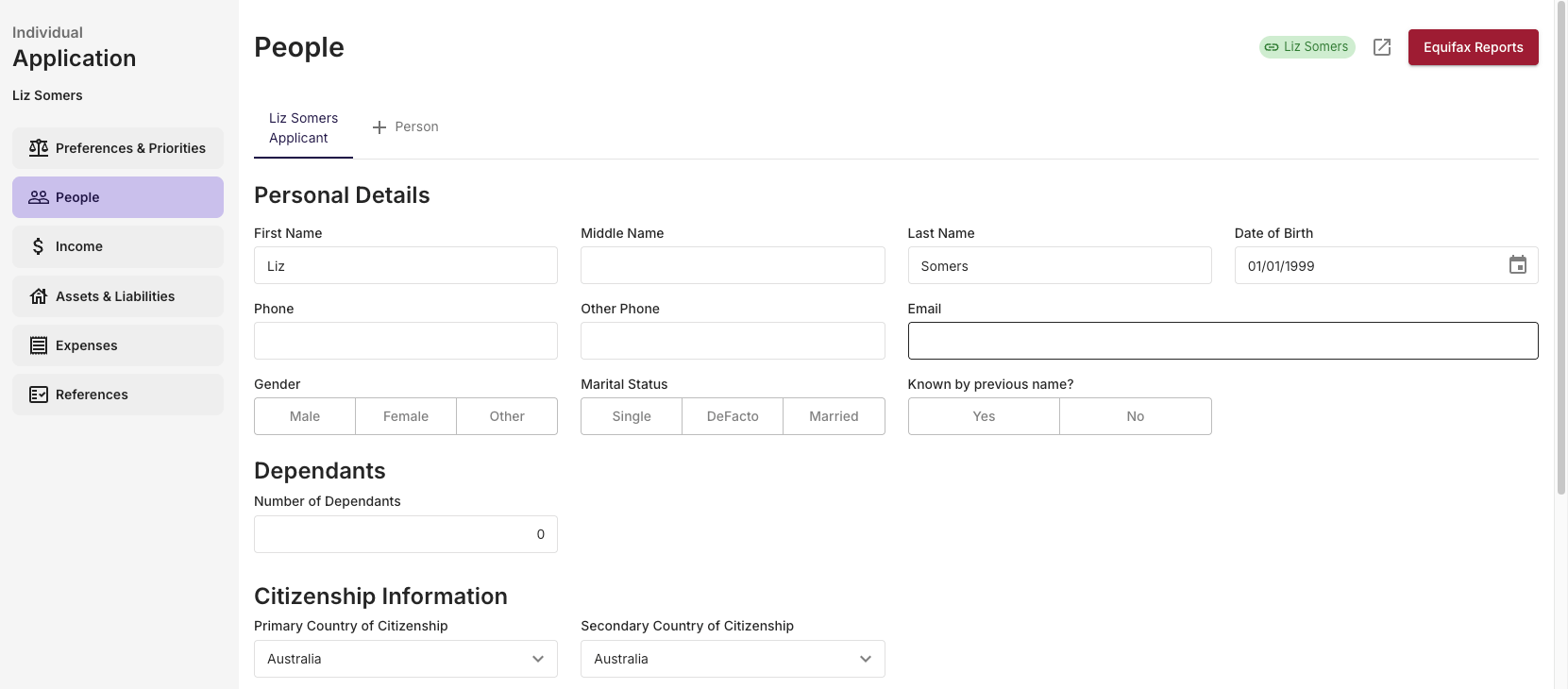
Capture Client Data
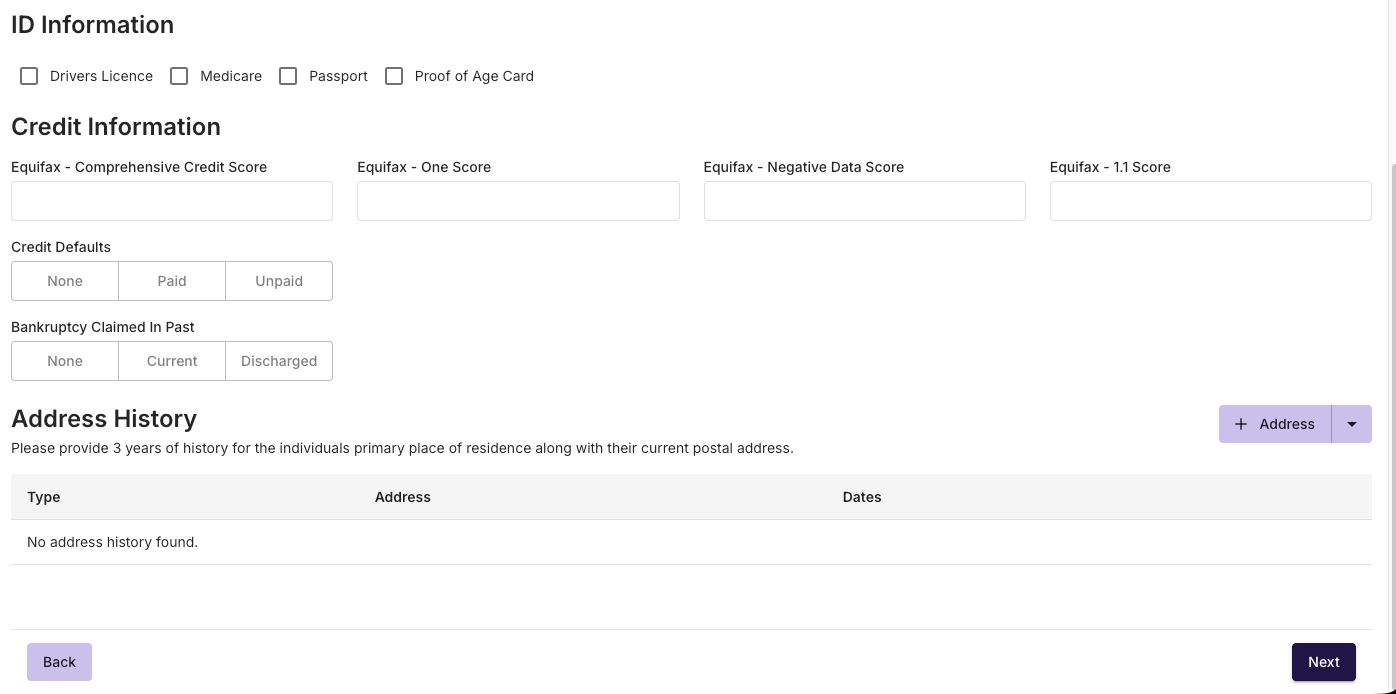
The People section of the application form is where you capture the clients personal details, such as their Name, Personal Information, Citizenship information, ID Information, Credit Information and Address history.
Adding a joint applicant or Non-Borrowing-Spouse
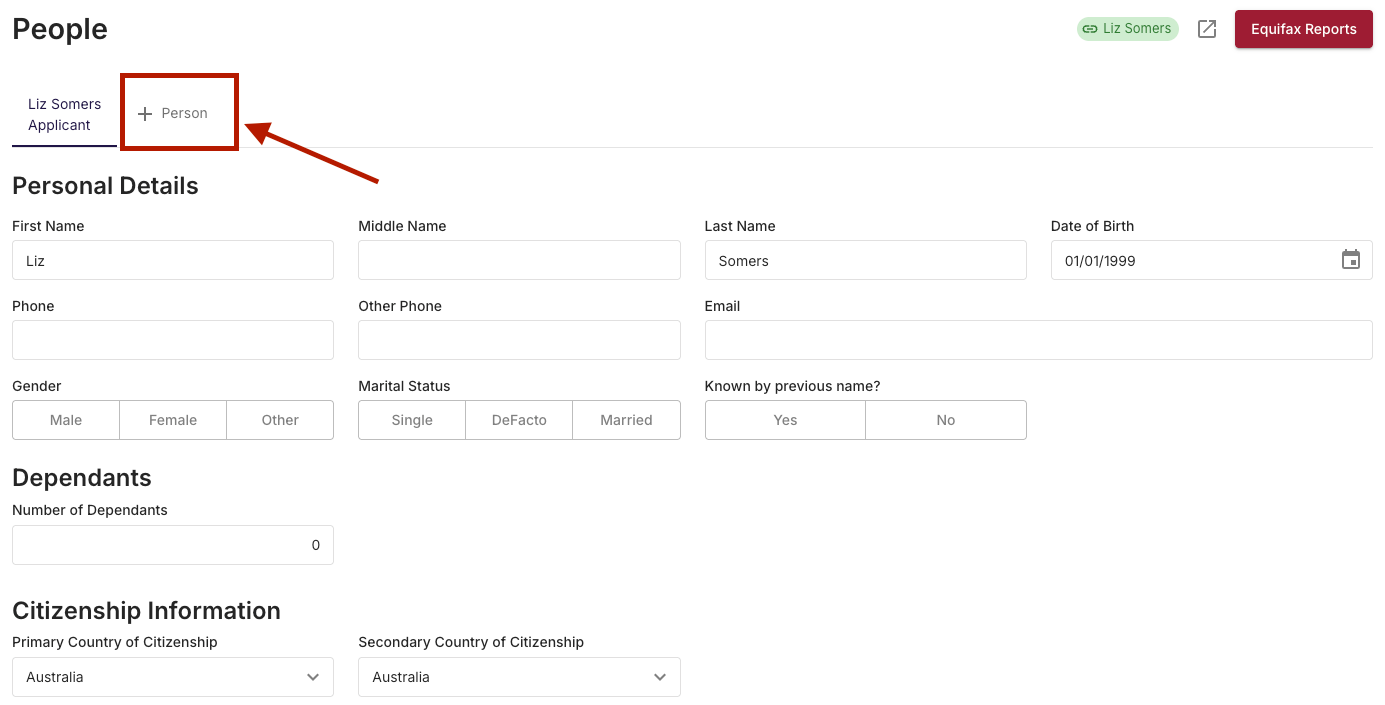
To add a Join Applicant or Non-Borrowing-Spouse simply select the + Person Button at the top left hand corner of the People page.
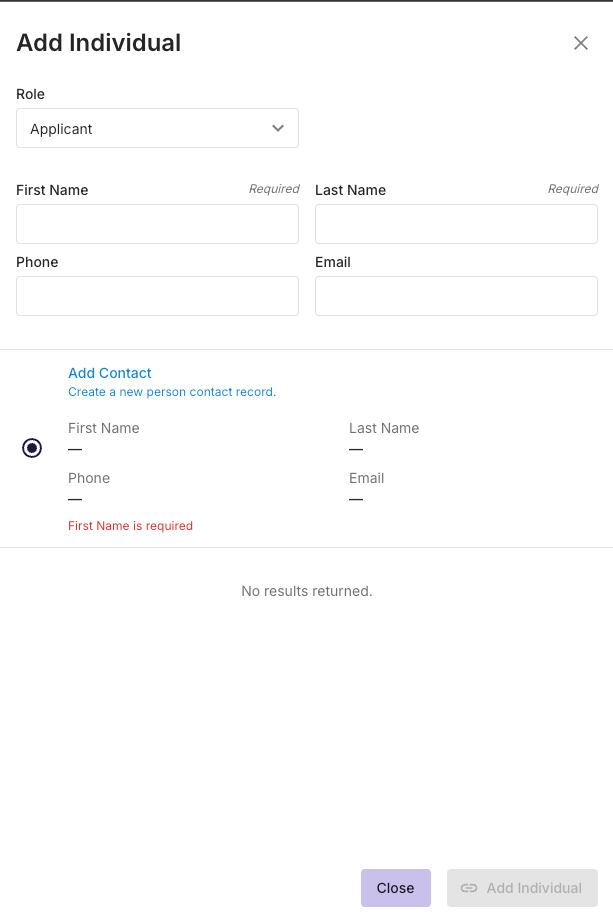
From here, you select the Role of the additional person, either Applicant or Non Borrowing spouse. You can select an existing Individual from within the CRM or create a new Individual if required. Press Add Individual once complete.
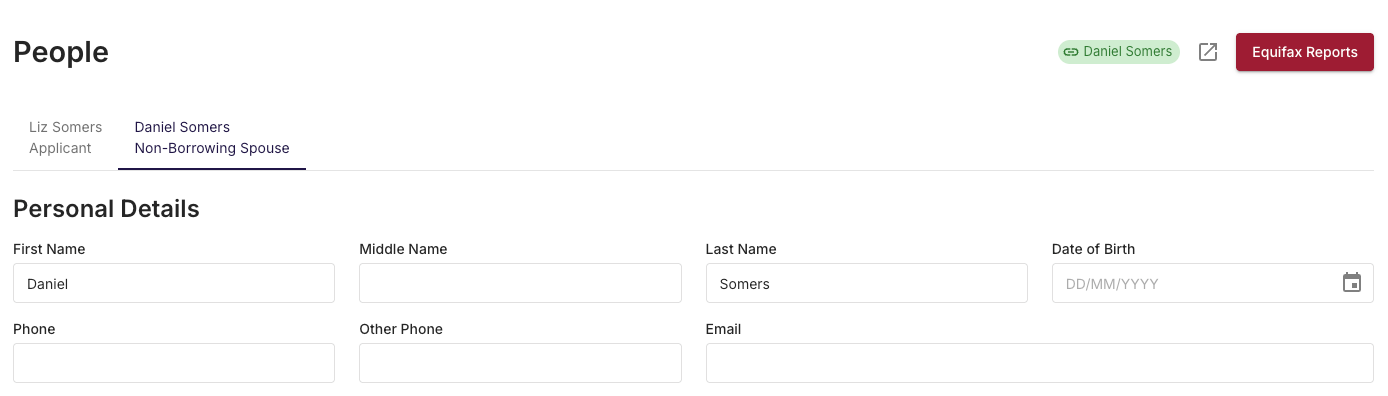
Once the new individual has been added, you will now be able to toggle between the individuals to capture relevant information within every page of the application.
Adding the new individual will also allow for document collection requests and privacy consents to be issued to the additional individual.
Equifax Reports
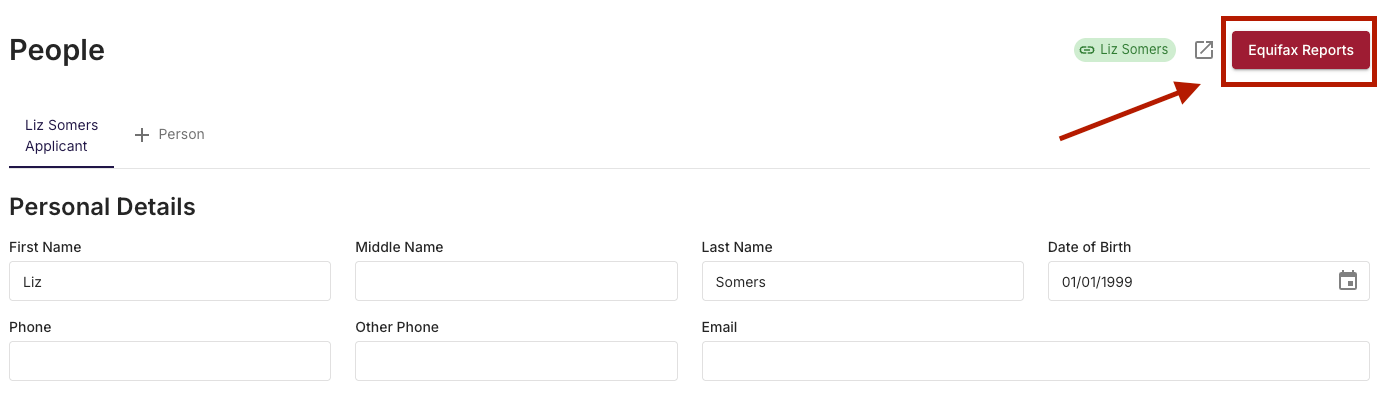
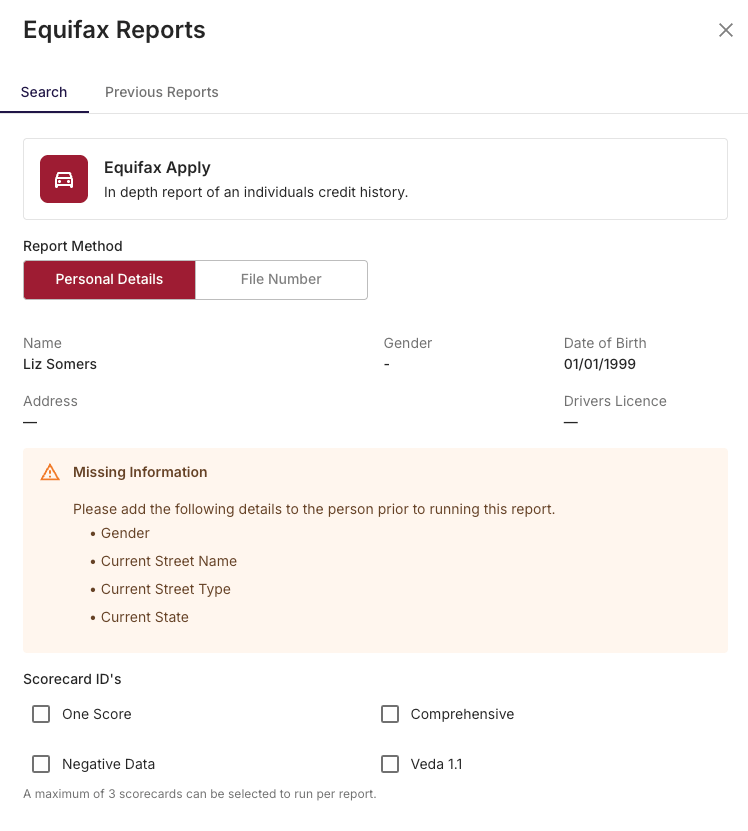
Once the client's information has been captured, you’ll be able to run an Equifax report directly from this page. By selecting the Equifax Reports button at the top right hand corner of the page. This can be done for multiple applicants on one loan, if required.
Please note that you cannot generate a credit report unless a privacy statement has been signed.
If the People page is missing information required to run the report, it will be highlighted after in the Equifax Reports drawer.
If you have the Equifax File Number for the client, you can choose to use that number as a reference for the new report - this will bypass the information captured on the People page.
You can select up to 3 of the Scorecard IDs per Equifax report.
If you’ve already run a report for a client, it can be accessed and downloaded from the Previous Reports Tab.
*Please Note that Each Equifax report that is run will incur a cost, billed in arrears per consumption.