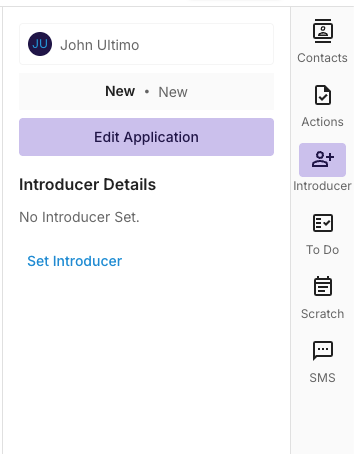
To Add an introducer to your deal, navigate to the “Introducer ” tab on the right hand side of the deal and click on Set Introducer.
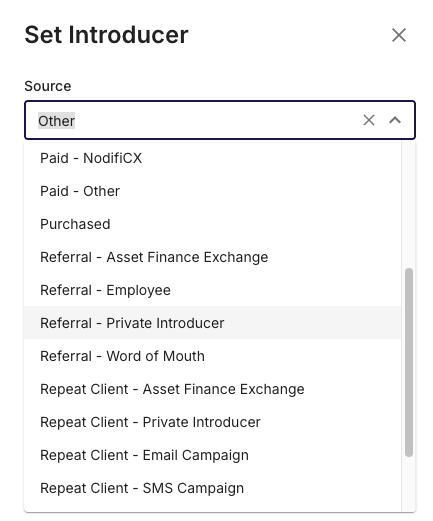
Selecting the Correct Lead Source
Before you can select the appropriate Introducer, you must select a lead source such as “Referral - Private Introducer” - This will enable the allocation of an introducer contact that exists inside your CRM
Once the Correct Lead Source is selected, you can select the relevant Introducer Organisation and Contact.
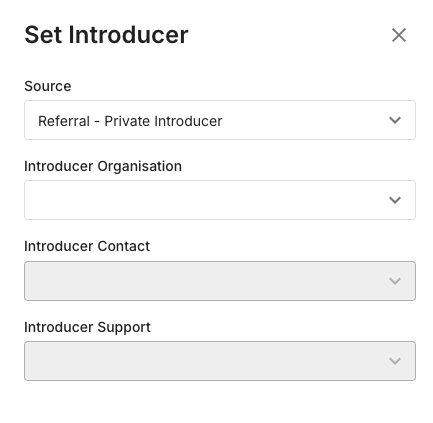
Once complete, select Save and the connection to the introducer will be complete.